Expert Burlington | Appliance Repair Services
Schedule your home appliance repair online – 24/7 availability
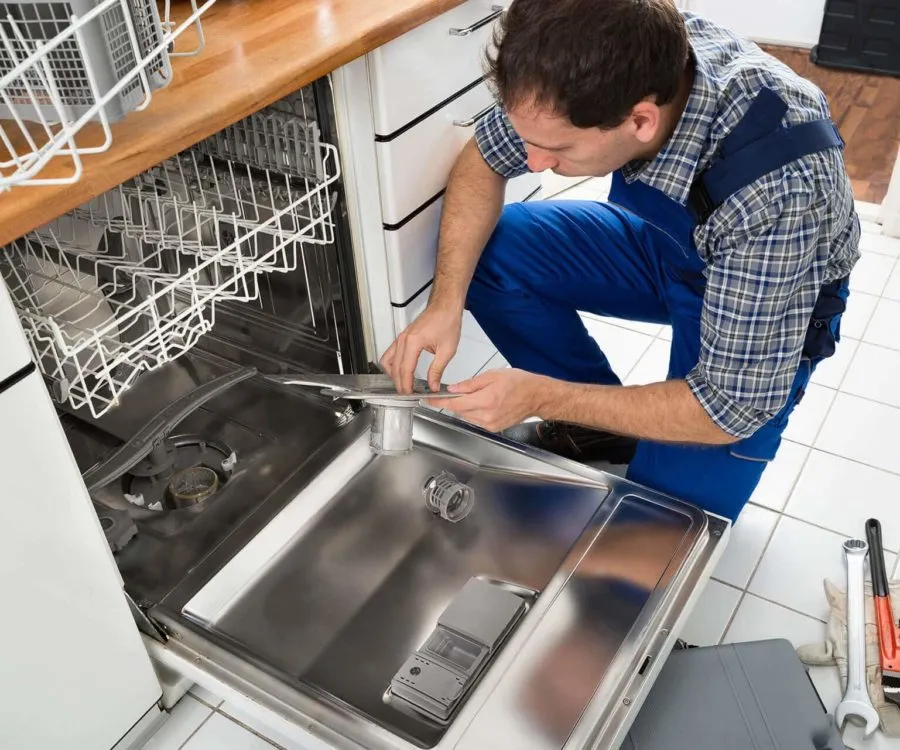
If your dishwasher has started acting up and bothers you, interrupting your comfortable home life, it’s high time to call for help. Our licensed appliance repairmen are just a few blocks away and ready to come to the rescue.
We provide warranties on all our repairs, giving you peace of mind with our services.
We offer round-the-clock service to ensure your appliances are fixed when you need them the most.
Schedule your service online 24/7 with our easy-to-use booking system, or call us directly.
We use only genuine parts and back our repairs with a warranty for your peace of mind.
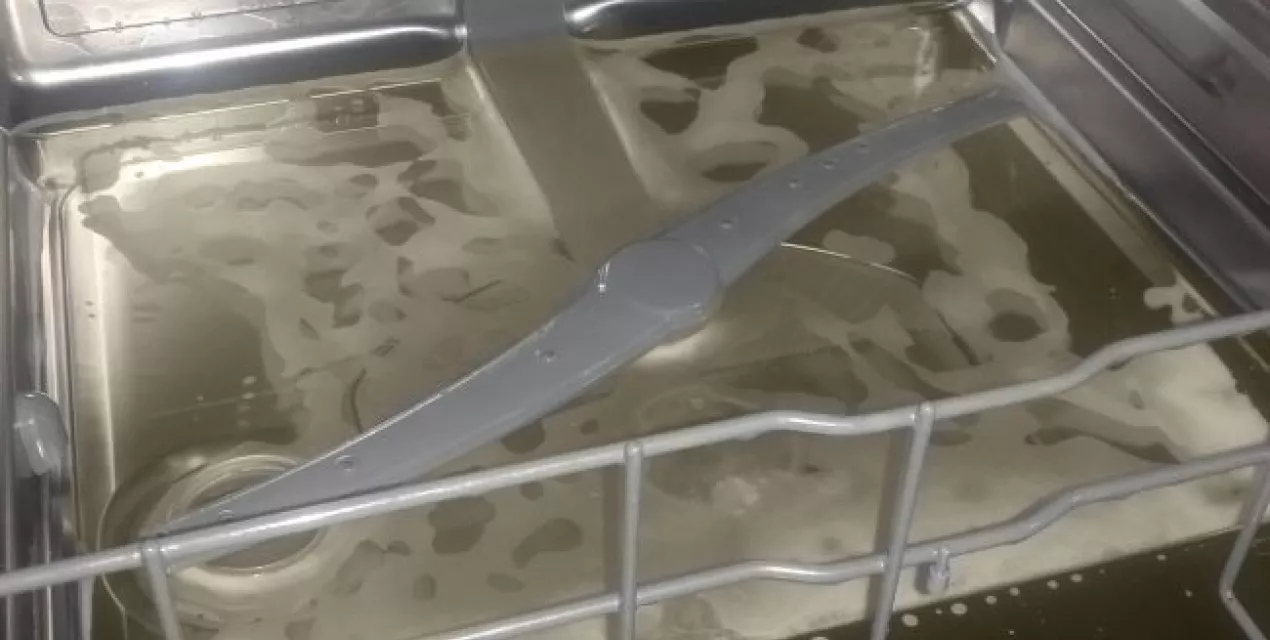
When your Samsung dishwasher refuses to drain, it can be frustrating—especially when you expect spotless dishes and instead find them soaking in dirty, soapy water. Fortunately, there are a few common reasons behind this issue, and many can be fixed without too much hassle. Here’s a breakdown of potential causes and how to fix them:
A faulty installation is one of the most common causes of drainage problems. If the drain hose isn’t connected correctly or the water inlet valves aren’t tightly secured, it could prevent your dishwasher from draining properly. Loose power cords or misconnected wires can also cause malfunctions.
Fix:
If you installed the dishwasher yourself, double-check all connections—especially the drain hose, inlet valve, and power wiring. For best results, consider hiring a professional technician to ensure everything is properly installed and secured.
The dishwasher filter, located at the bottom of the unit, traps food particles and debris. Over time, it can become clogged, which restricts water flow and prevents proper drainage.
Fix:
Open your dishwasher and remove the bottom rack to access the filter. Check for visible buildup or debris. Clean the filter thoroughly under warm running water and reinsert it properly.
The float switch monitors the water level in the dishwasher. When the appropriate level is reached, it signals the machine to stop filling. If the float switch malfunctions, the water may not drain properly.
Fix:
Inspect the float switch (usually located at the bottom of the tub). If it’s stuck or not functioning, it may need to be cleaned or replaced. Mineral buildup is a common cause of failure.
In colder climates, the drain hose can freeze—especially if it runs through an unheated area. Ice blocks the passage of water, causing it to back up in the machine.
Fix:
Check the drain hose for signs of ice buildup. You might notice rattling noises, pieces of ice during a cycle, or standing water in the dishwasher. If you suspect freezing, gently warm the area around the hose using a hairdryer or space heater to thaw it. Make sure the hose is insulated or relocated if freezing continues to be an issue.
If your Samsung dishwasher isn’t draining water completely, don’t worry—it’s a common issue and often easy to fix. With a few basic tools and some troubleshooting, you can usually resolve the problem on your own. Follow these simple steps to get your dishwasher working again.
Start by checking the drain hose for blockages or damage:
Disconnect the hose from both ends (dishwasher and sink/drain).
Make sure no water remains inside.
Look for any visible clogs or signs of wear, cracks, or leaks.
If you spot damage or a stubborn clog, replace the hose with a compatible model. Drain hoses are typically available at hardware or appliance stores. Once replaced, reconnect both ends securely and run a test cycle to ensure water is draining properly.
The dishwasher filter is located at the bottom of the tub and can easily become clogged with food debris:
Remove the filter and examine it closely.
Use warm, soapy water and a soft brush to scrub away buildup or trapped food.
Rinse thoroughly and reinstall it back into the dishwasher.
Pro tip: Clean the filter every 2–3 months as part of your maintenance routine. This prevents drainage issues and helps your dishwasher run efficiently.
In colder environments, the drain hose may freeze, blocking the flow of water:
Look for signs of ice or unusual stiffness in the hose.
Use a hair dryer or gentle heat source to thaw frozen areas.
Clear any internal clogs and verify that water flows freely through the hose.
If the hose is clear and thawed but the issue remains, the blockage may be further down the drain system. In this case, contacting a professional appliance repair technician is recommended.
By following these steps, you can often restore your Samsung dishwasher to full working order without needing a service call.
References:
Samsung Support – Dishwasher Not Draining
We are 100% transparent. No more extra bills for “additional services”. With us, you will always know exactly how much the restoration will cost.
Repair with our simple and efficient process. We guarantee top-notch service from start to finish, ensuring your appliances are back in working order with minimal disruption.